
Those little cards aren’t random. They come from something called a Google Business Profile, and whether you run a café, a dog-walking service, or a home-based cleaning business, having one makes a huge difference.
Some people describe it as “a free business listing.” But honestly, that barely scratches the surface.
A Google Business Profile is more like your business’s storefront on Google, where people decide, usually within seconds, whether to call you, drive to you, or keep scrolling to someone else.
Let me break it down the way business owners actually understand it.
Why a Google Business Profile Matters More than You Think
Before I knew much about marketing, I thought Google was this giant machine I had no control over. Then someone explained the profile to me in simple terms:
“If your business isn’t on Google, you’re basically invisible.”
And it clicked.
People don’t dig through websites anymore. They just search, tap, and call. Google puts your information in front of them before they even click on a website.
A Google Business Profile helps with:
- Showing up when locals search for your service
- Getting phone calls directly
- Showing your reviews upfront
- Displaying hours, photos, and updates
- Getting found on Google Maps
It’s like a digital handshake with your community.
Google Business Profile aapke business ki online presence ko enhance karta hai aur search results mein visibility badhata hai. Agar aap apne profile ko maximum benefit ke liye optimize karna chahte hain, to hamara guide How to Optimize Google Business Profile zaroor dekhein. Is guide mein step-by-step tips aur strategies di gayi hain jo aapke business ko local searches mein top par la sakti hain.

What Actually is a Google Business Profile
Think of it as a public info card that shows up when people look for what you offer. Google pulls your business name, address, phone, photos, services, and reviews into one place, and it appears in two major spots:
- Google Search
- Google Maps
If someone is nearby and needs your service fast, your profile might be the only thing they check before deciding.
The Key Information People See First
This is the stuff Google shows in the “box”:
- Your business name
- Phone number
- Hours of operation
- Photos
- Website link
- Reviews and ratings
- Short description
- Services or products
- Location on the map
It’s simple, but it’s more powerful than some full websites.
Why this Little Box Gets So Much Attention
People trust what they see first.
If Google puts you in the top three, you get the call.
If you’re buried below the fold, good luck.
Your profile literally decides whether customers see you as legit or not—before they ever read a word on your website.
Why Every Business Should Have One
Some business owners skip it because they think:
“I already have a website, so I’m fine.”
But the truth? A website alone rarely beats Google’s local listings.
A Google Business Profile helps you:
- Show up in “near me” searches
- Compete with bigger companies
- Get more calls without buying ads
- Build trust with real reviews
- Control your business info everywhere online
And best of all, it’s free.
If you’re curious about what it takes to set up a Google Business Account, you can check out our detailed guide on What are the Requirements for a Google Business Account? . It covers everything from verifying your business location to providing accurate contact details, helping you get your profile fully optimized and visible to customers.
The Trust Factor Matters More Than Anything
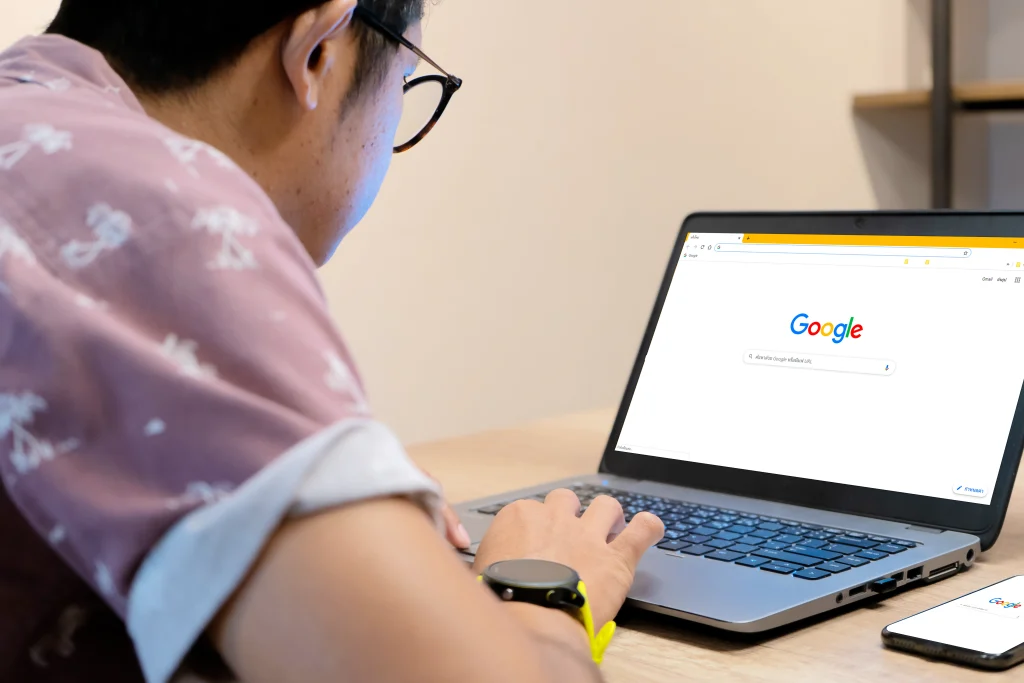
Customers trust Google reviews more than website testimonials. It’s just how people behave now.
If a business has:
- Clear photos
- A few honest reviews
- Quick responses
- Accurate hours
…it looks respectable, even if it’s brand new.
Reviews are Basically Your Online Word-of-Mouth
A few solid reviews can change everything.
I’ve seen businesses jump from quiet to busy with the help of a professional Google Business Profile management service.
What You Can Do with Your Profile
This is where a lot of business owners don’t realize the full potential.
It’s not just a listing. It’s a tool.
You can:
- Post updates
- Add photos and videos
- List services
- Chat with customers
- Receive bookings
- Answer questions
- Track calls and website clicks
- Get insights on how people find you
It’s almost like having a mini social media account on Google Search.
Posting Updates Helps More than You Expect
Whether it’s a holiday schedule, a new product, or a simple “We’re open,” posts remind Google that your business is active.
And active businesses get shown more often.
Photos Also Boost Visibility (More than Ads Sometimes)
People love visuals.
A clean storefront, team photos, or even before-and-after shots can turn a browser into a customer.
How to Set Up a Google Business Profile
Google business setup is easier than most people think. Here’s the real-world version:
- Go to Google Business Profile manager
- Enter your business info
- Choose your service category
- Add your hours, phone, and address
- Upload some photos
- Verify your business (usually via mail or phone)
This whole process can take 10–20 minutes.
Getting Verified is the Most Important Part
Until Google verifies you, your profile won’t show publicly.
Why Verification Even Matters
It proves you’re a real business. Google doesn’t want fake listings clogging up local search results.
Maintaining Your Profile (This Part is What Actually Drives Results)
A lot of business owners create the page and never touch it again. That’s a mistake.
Google prefers listings that look alive.
Keep Your Hours and Info Updated
If your hours are wrong, people get annoyed. Annoyed people leave bad reviews. Bad reviews sink your ranking.
Simple fix: update your profile whenever things change.
Add New Photos Every Month
Fresh photos show Google you’re active and real. Real businesses get bumped higher.
How a Google Business Profile Helps You Rank Higher
Your profile directly influences how high you appear on local search.
The better your profile, the bigger your digital footprint.
Reviews Play a Huge Role
More reviews = more trust
More trust = higher ranking
It’s not complicated.
Responding to Reviews Boosts Your Visibility Too
Even a simple “Thanks!” helps your ranking.
Google loves active business owners.
Common Mistakes Business Owners Make
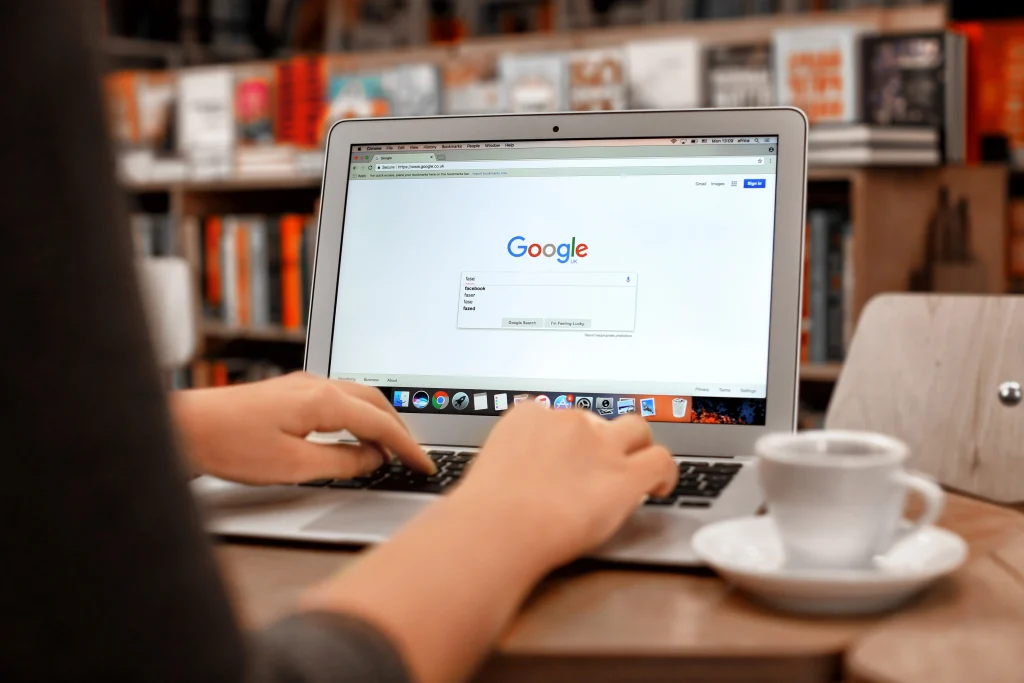
People often make mistakes during the Google business setup. I’ve made a few myself, and I see others do the same:
- Not verifying their profile
- Ignoring reviews
- Forgetting holiday hours
- Not adding photos
- Using the wrong business category
- Never posting updates
These things add up. Google notices everything.
Final Thoughts
A Google Business Profile is one of the easiest ways to grow your local visibility without paying a dime.
It helps you:
- Show up faster
- Look more trustworthy
- Get more calls
- Bring in local customers
- Compete with bigger companies
- Control how you appear online
If you’re a local business, hiring a Google Business Profile management service isn’t optional anymore. It’s part of running a modern business. And once it’s set up, maintaining it only takes a few minutes a week.
Your customers are already searching. Make sure they find you, not your competitors.
Want more customers to find your business on Google? Optimize your Google Business Profile today and turn everyday searches into real paying clients.
FAQs
1. Why do I need a Google Business Profile if I already have a website?
A website is great, but a Google Business Profile puts your info in front of customers instantly. Most people call directly from Google Search or Maps without ever opening a website.
2. How long does it take to set up a Google Business Profile?
Most businesses can set it up in under twenty minutes. The only part that takes extra time is verification, which may require a postcard, phone call, or email from Google.
3. Does having more reviews help my profile rank higher?
Yes. Google uses reviews as a major trust signal. The more genuine reviews you earn, and the more you respond to them, the better your local visibility becomes.
4. What should I post on my Google Business Profile?
Share simple updates like new products, holiday hours, promotions, team photos, or service reminders. These small posts show Google you’re active and help customers choose you over competitors.
5. How often should I update my Google Business Profile?
Aim for small updates at least once a month. Add new photos, check your hours, and reply to reviews. Staying active keeps your listing fresh and improves your local ranking.